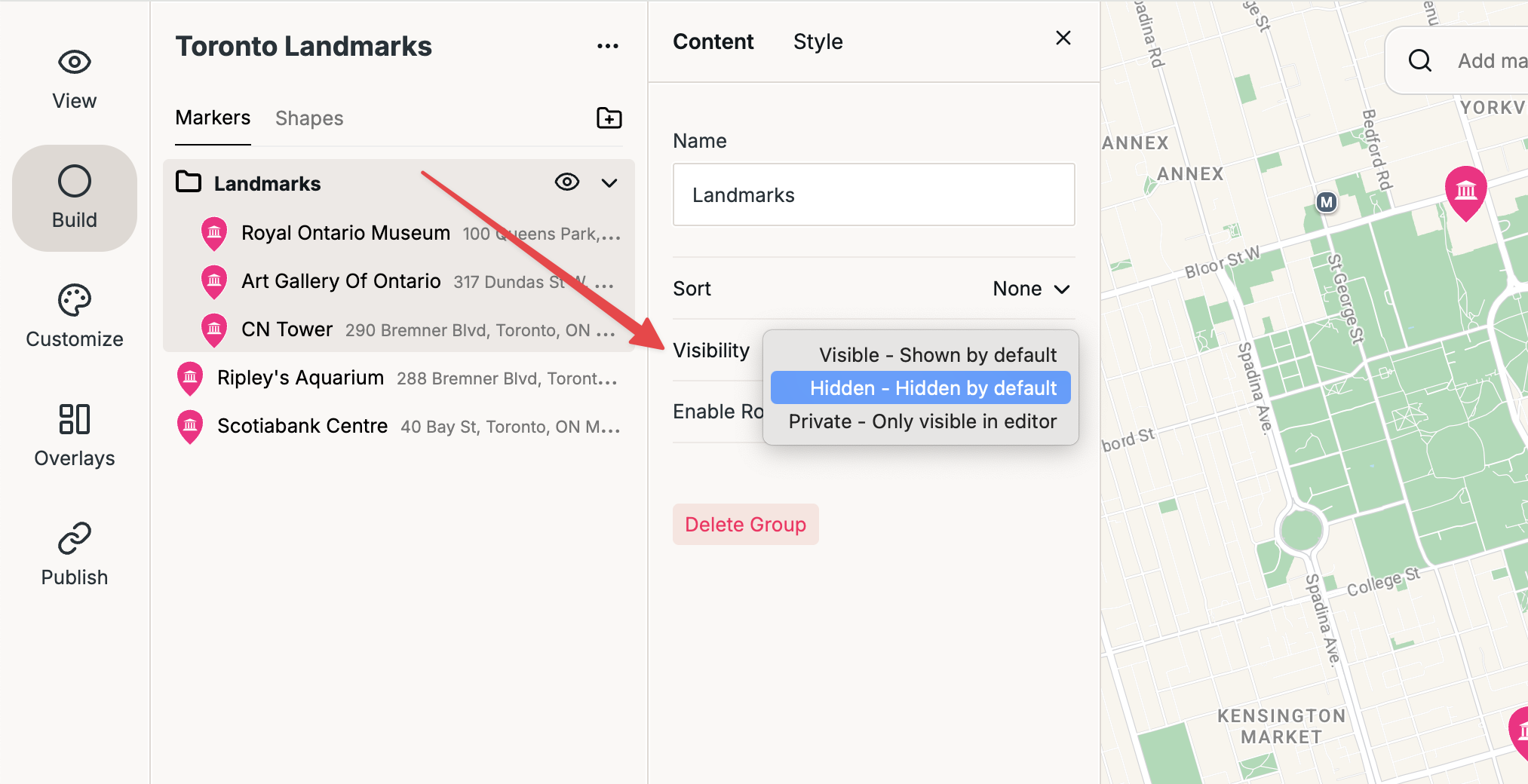
Visible — Group is shown by default when the map loads.
Hidden — Group is hidden by default when the map loads. Viewers can show it using the eye icon.
Private — Group is only visible in the editor and does not appear on the public map. This is useful for temporarily removing a group without deleting it.
To change a group’s visibility, open the group and find the Visibility setting:
Changing the Visibility setting
Temporarily showing or hiding groups
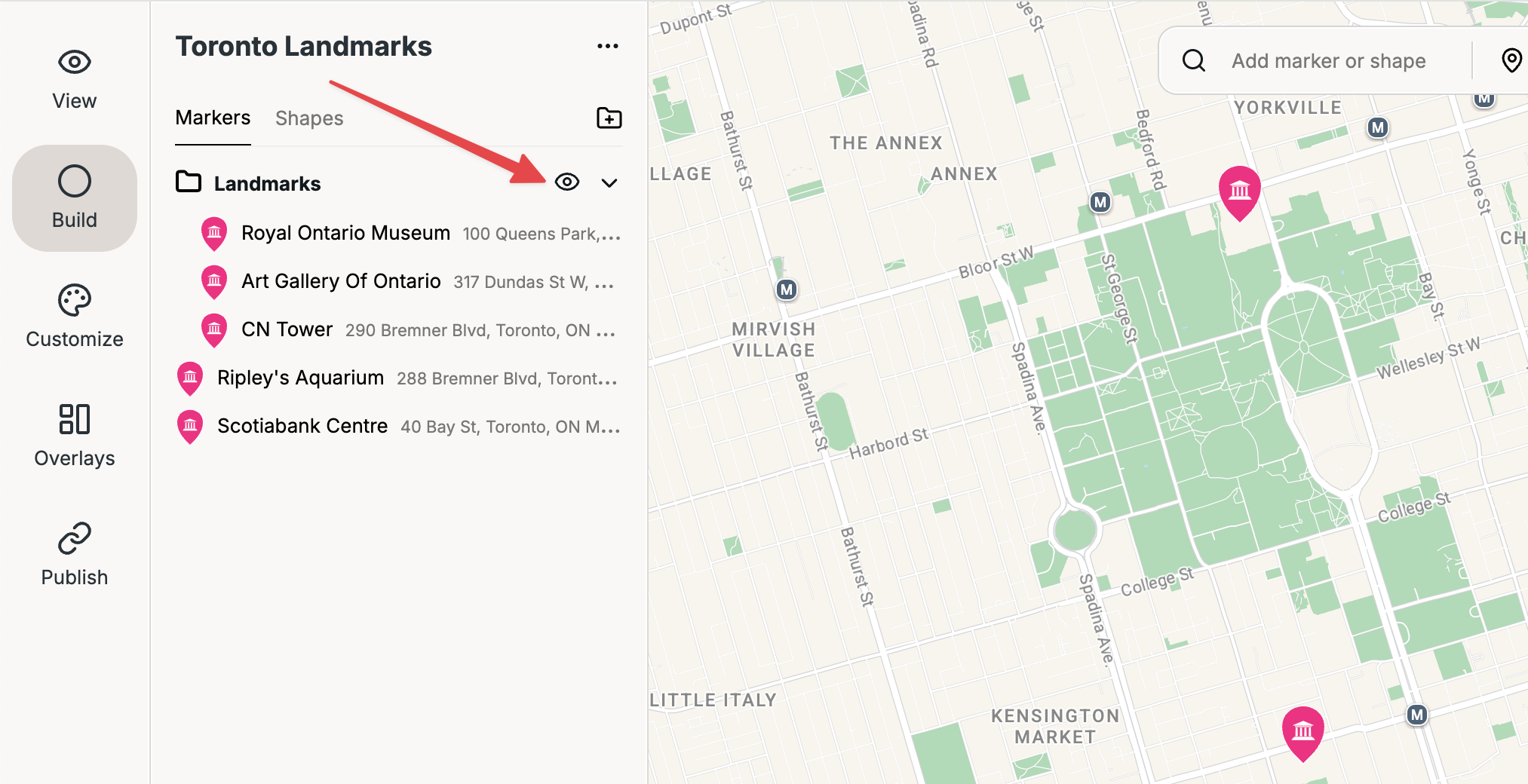
You can also use the eye icon to temporarily show or hide a group. This does not change the group’s Visibility setting—it only changes whether the group is currently shown.
The eye icon temporarily shows or hides a group. It does not change the Visibility setting.