.png)
Plot Multiple Addresses on a Map
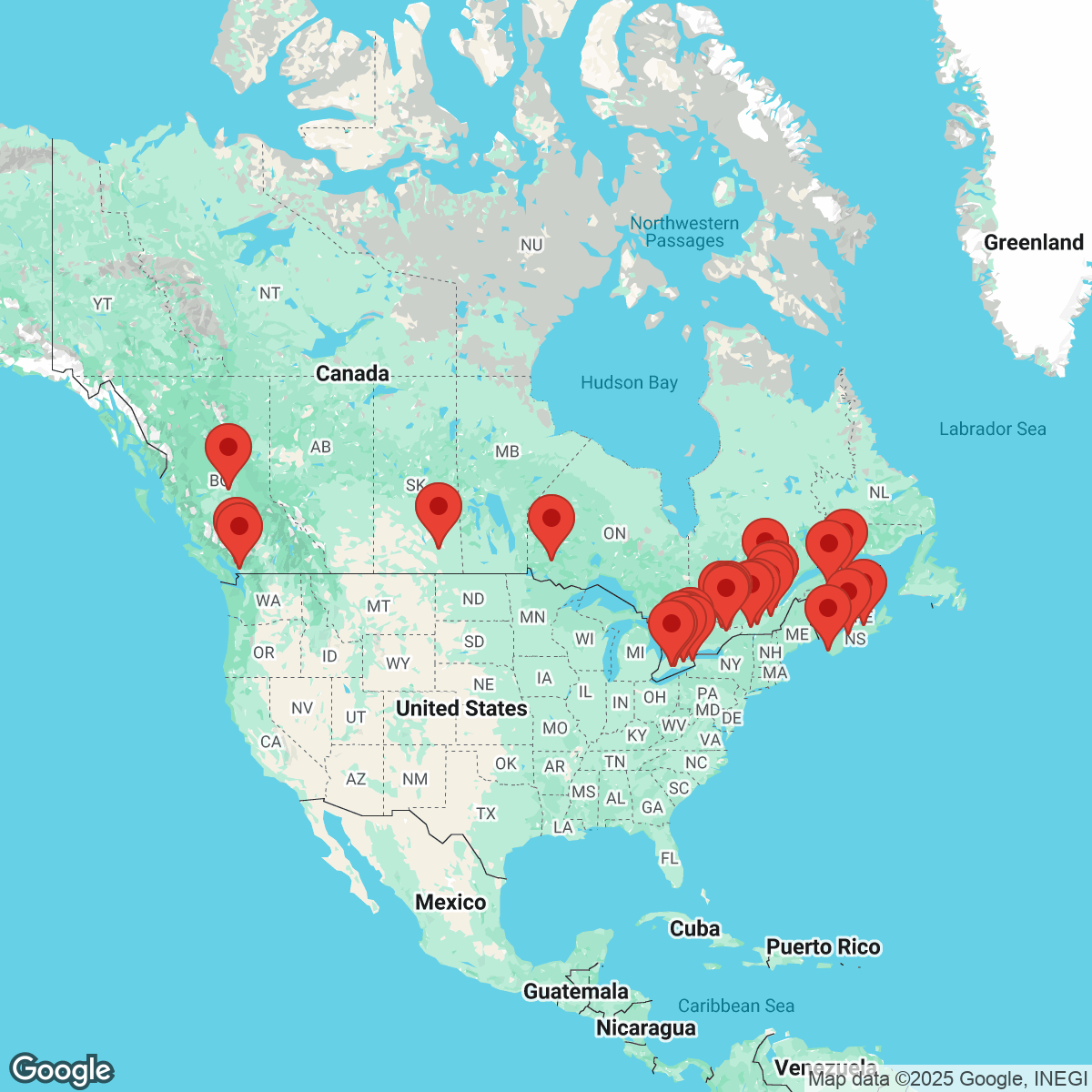
Turning a list of addresses into a visual map shouldn’t require a complex setup or a developer. This free address-mapping tool lets you paste in up to 50 addresses and instantly generate a clean, shareable map image.
Behind the scenes, the tool uses geocoding to convert each address or location name into coordinates, then renders them on a familiar Google Maps basemap. The result is a simple way to visualize locations without dealing with a full API setup, map styling, or custom functionality.
Whether you’re sharing locations with clients, or just need a quick visual reference, this tool is designed to be fast, lightweight, and easy to use.
How to Use the Address Map Tool
Using the tool takes less than a minute:
- Copy your addresses — Paste one address per line into the text box (up to 50 total). These can be full street addresses or recognizable location names.
- Create your map — Click Create Map. The tool automatically runs geocoding and places markers for each address.
- Preview the result — Your map appears instantly on the right. You can zoom in or zoom out visually by regenerating the map as needed.
- Download the map image — Click Download Map to open the full-resolution image in a new tab, ready to save or share.
No signup, no configuration, and no separate mobile app required.
Helpful Tips
- Be specific with addresses — The more precise the address or location name, the more accurate the geocoding.
- Keep formatting clean — Use one address per line. Extra commas or notes can interfere with address matching.
- Understand what’s included — This tool focuses on clarity. Advanced features like custom map layers, multiple basemap styles (such as openstreetmap), or interactive street view are intentionally excluded to keep things fast and simple.
Common Use Cases
This free address mapper is perfect for:
- Visualizing addresses from a spreadsheet
- Planning deliveries, meetups, or events
- Sharing location clusters with clients or teams
- Creating simple maps for presentations or documents
- Quickly previewing address data before building a more advanced map
Because it outputs a static image, it’s ideal for sharing anywhere you can upload an image — email, slides, websites, or documents.
Need More?
For even more features, try Atlist—a no-code interactive map builder powered by the Google Maps Platform. Atlist includes:
- Polygon drawing and custom shapes
- Support for markers, modals, and search/filter tools
- Advanced use of the Places API and JavaScript API
- Fully responsive, embeddable maps for any website
.png)
Feedback
Got feedback or suggestions? We’d love to hear from you! Email steve@atlist.com.