.png)
If you want to map your customers quickly, you shouldn’t need a full crm, complicated territory management setup, or expensive sales mapping software. This free tool lets you paste a list of customer locations and instantly generate a visual map.
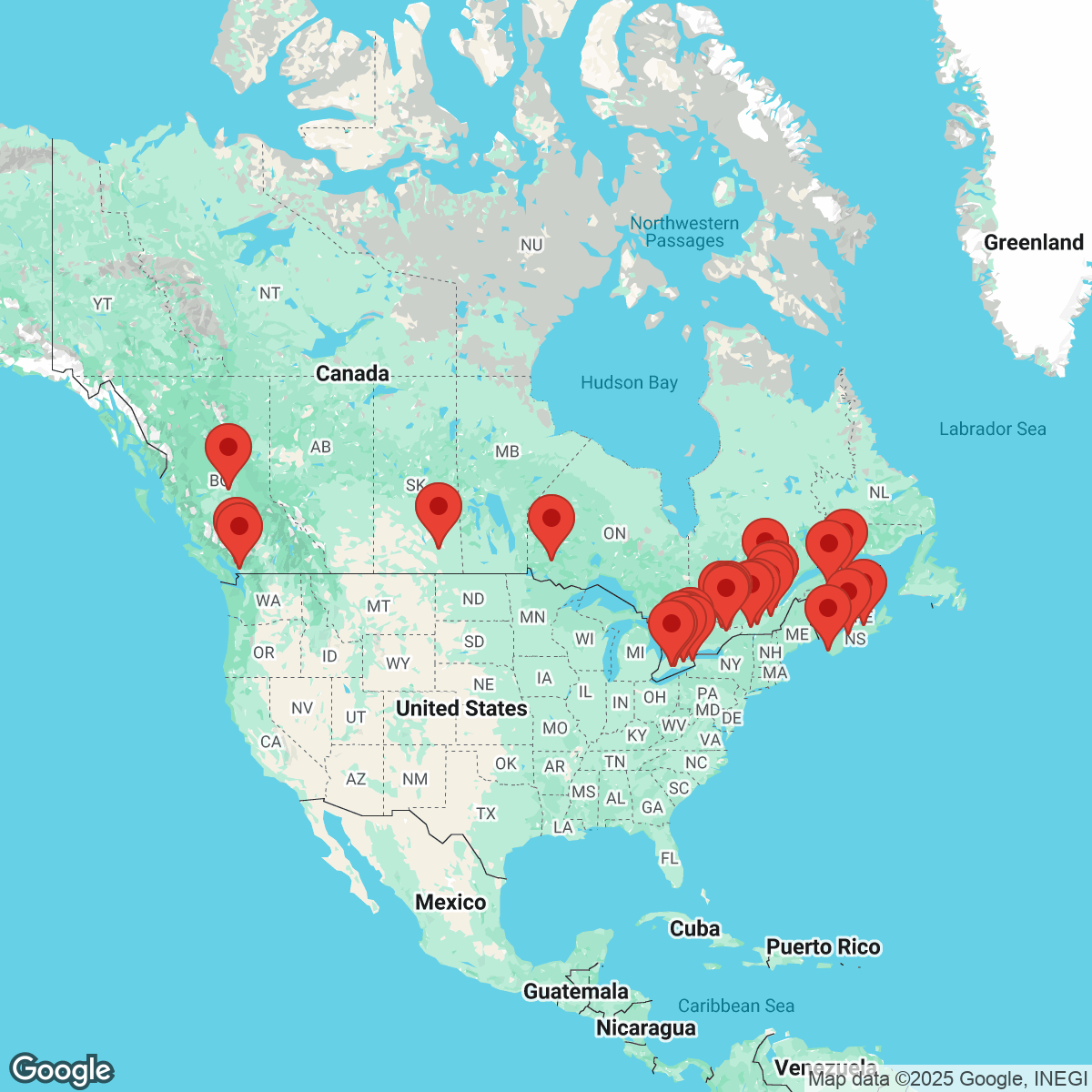
Just enter up to 50 addresses and the tool converts them into map markers automatically using Google Maps. It’s a fast way for sales teams, outside sales teams, and field sales reps to visualize customer data without configuring a full saas platform.
Whether you're an account manager, part of a field sales organization, or supporting lead generation, this tool helps you preview locations in seconds before moving into deeper workflow tools like routing, optimization, or full route planning systems.
How to Use the Map My Customers Tool
Using the tool takes less than a minute:
- Paste your customer addresses — Copy addresses from your spreadsheet or crm. Add one address per line (up to 50 total).
- Create your customer map — Click Create Map. The tool automatically places markers using Google Maps geocoding.
- Preview locations instantly — Your customer map appears right away so field sales teams and outside sales professionals can visualize territories immediately.
- Download the map image — Export the map for quick sharing with sales reps, managers, or stakeholders.
No signup required. No configuration needed. No separate mobile app installation required.
Helpful Tips
Here are a few ways to get better results when mapping customers:
- Use clean customer data — Accurate addresses improve mapping accuracy and help your sales pipeline stay organized.
- Map leads before routing — Visualizing leads first makes later route optimization easier for outside sales teams.
- Keep formatting simple — One address per line works best when preparing exports from a crm or lead finder tool.
- Start simple, expand later — This tool focuses on fast visualization instead of advanced automation, check-ins, or workflow metrics.
Common Use Cases
Teams often use this free sales mapping tool for:
- Visualizing customers before assigning territory management regions
- Supporting early-stage lead generation research
- Preparing coverage plans for field sales reps
- Reviewing travel clusters before route planning
- Helping an account manager understand customer distribution
- Sharing simple visuals with leadership or stakeholders
- Testing address exports from a crm
Need More?
For even more features, try Atlist—a no-code interactive map builder powered by the Google Maps Platform. Atlist includes:
- Polygon drawing and custom shapes
- Support for markers, modals, and search/filter tools
- Advanced use of the Places API and JavaScript API
- Fully responsive, embeddable maps for any website
.png)
Feedback
Got feedback or suggestions? We’d love to hear from you! Email steve@atlist.com.