
New: Workspaces
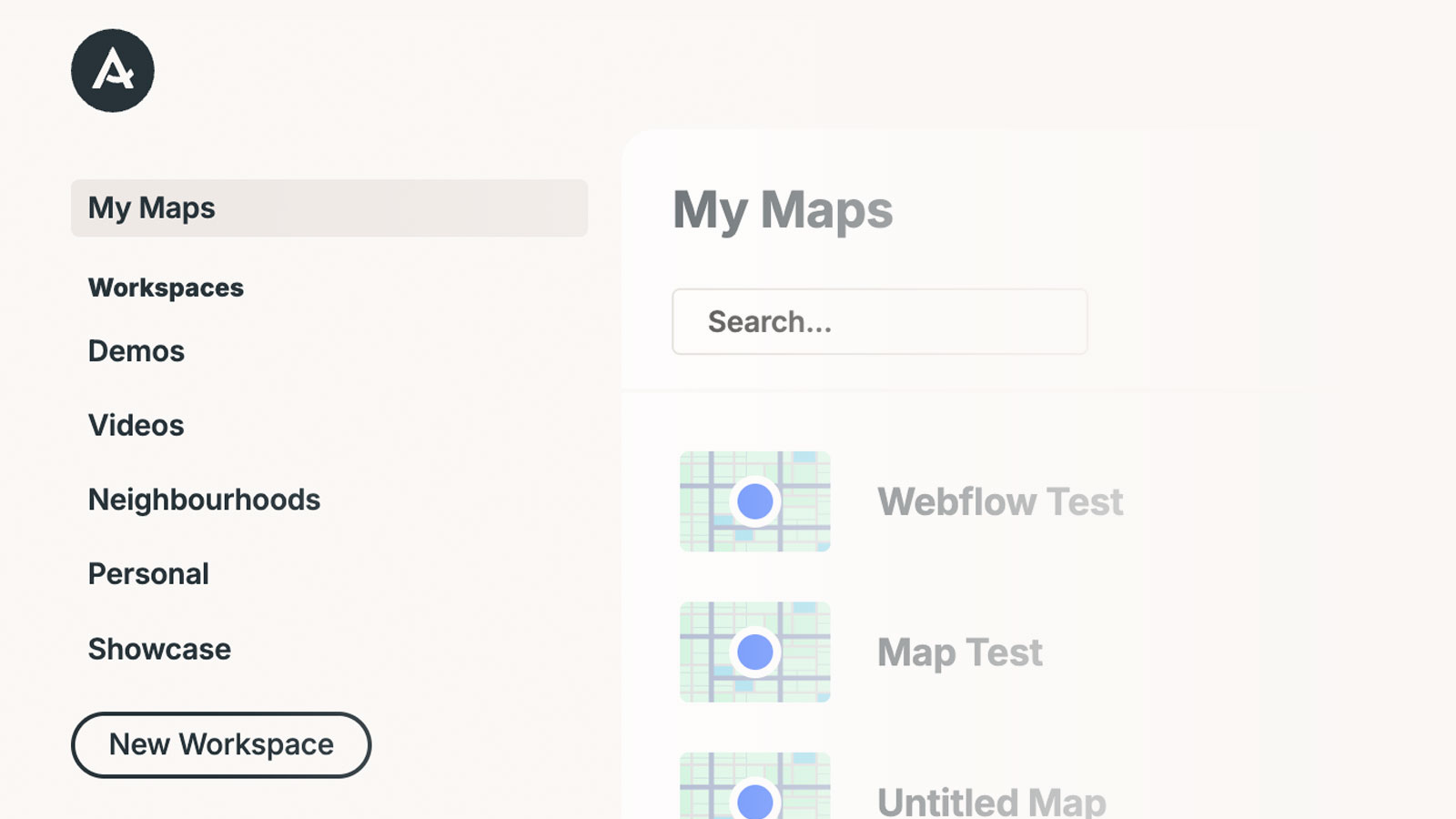
You can now invite your team to collaborate on maps in Atlist using Workspaces — making it easy to work together with teammates, clients, or collaborators
Jan 27, 2026

Steve Benjamins
You can now invite your team to collaborate on maps in Atlist using Workspaces — making it easy to work together with teammates, clients, or collaborators
Getting started is simple:
1. Workspaces appear in the sidebar
Each workspace contains its own set of maps.

2. Invite members to your workspace
You can edit and manage maps together.

Good to know:
- Every account includes a My Maps workspace — this is for your own maps and doesn’t support inviting other users
- You can control access with roles: Viewer, Editor, Admin, Owner
- The first invited member is free per workspace
- Additional members are $5/month
- The workspace uses the Owner’s plan, so everyone gets the same features
- Workspaces aren't just for collaboration — use multiple workspaces to keep projects organized
Want to learn more? Watch or read a short tutorial in our Help Center.
